Cybersecurity Awareness Training for Employees

Description
Cyberattacks often begin with everyday actions: clicking a link, opening an attachment, approving a sign-in request, sharing information, downloading software, or connecting a device before verifying that the request is safe. The FBI Internet Crime Complaint Center's 2025 Annual Report reported more than $20 billion in losses, showing how costly cybercrime can be for individuals and organizations.
If you are an employee, supervisor, or manager who uses email, mobile devices, business systems, or online accounts as part of your work, this course will help you recognize common cyber risks, pause before acting on suspicious requests, verify unusual activity, and report potential threats.
IACET Accreditation
OSHAcademy is accredited by the International Accreditors for Continuing Education and Training (IACET) and offers IACET CEUs for courses that meet ANSI/IACET standards. IACET is globally recognized for promoting the quality of continuing education and training.

Free Access
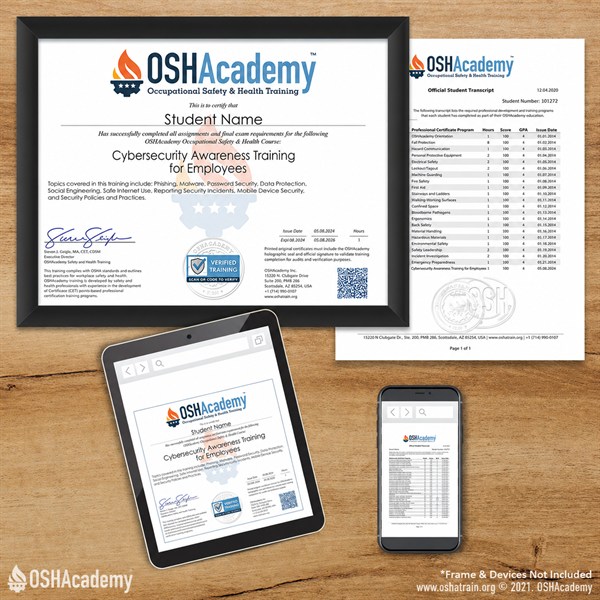
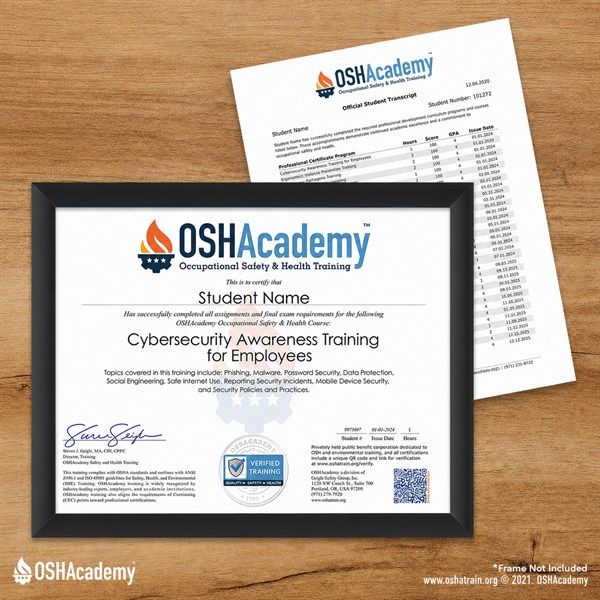
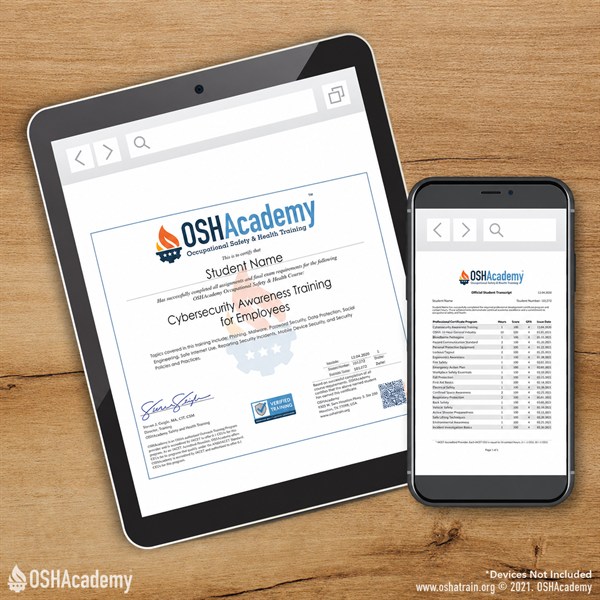
As an OSHAcademy student, you have free access to all our training materials, including knowledge checks and course activities. Documentation of your training such as exam scores, certificates, and transcripts can be accessed by purchasing a certificate package.
Certificate Options
-
Instant DownloadPDF Certificate$Download instantly.
-
Best ValuePDF + Mailed$Instant download + printed certificate mailed to you.†
-
Mailed Certificate$Printed certificate only, mailed to you.†
† Shipping & Handling not included for printed certificate prices.
Course Objectives
| ID | Objective |
|---|---|
| TO 1 | Apply the pause, verify, and report process when faced with urgent or suspicious requests for information, access, or action. |
| LO 1.1 | Identify common signs of social engineering, phishing, and AI-enabled scams before clicking, replying, downloading, signing in, or sharing information. |
| LO 1.2 | Explain how strong passwords, multi-factor authentication, updates, security tools, and screen locking help protect accounts and devices. |
| LO 1.3 | Evaluate suspicious or unusual emails and choose the appropriate response, including avoiding unsafe interaction and reporting concerns through the proper process. |
| LO 1.4 | Demonstrate safe browsing and download habits by using trusted paths, verifying sources, recognizing unsafe websites, and avoiding risky public Wi-Fi activity. |
| LO 1.5 | Identify risks from unknown USB devices, external accessories, and public charging connections and select safer handling practices. |
| LO 1.6 | Apply the appropriate response steps when a possible cybersecurity mistake occurs, including stopping, disconnecting if allowed, reporting quickly, and preserving helpful details. |
Key: Terminal Objective (TO), Learning Objective (LO)